Changing tile position
Related information
Overview
If you can access a dashboard's edit mode, you can re-order and save the position of the indicator tiles.
Moving indicator tiles
To change the order of a dashboard's indicator tiles:
-
Open a dashboard in edit mode:
-
Select the desired dashboard.
-
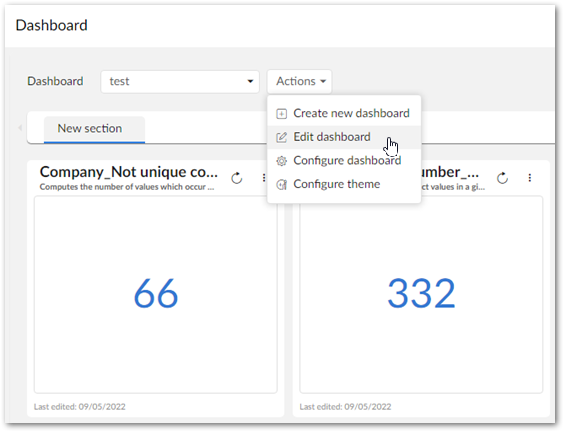
Click Actions > Edit dashboard.
-
-
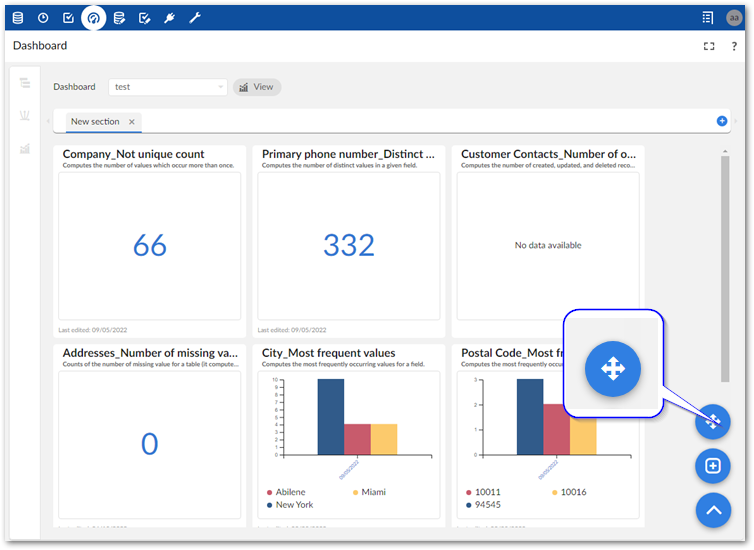
Click the move tiles button in the bottom-right corner of the dashboard.
-
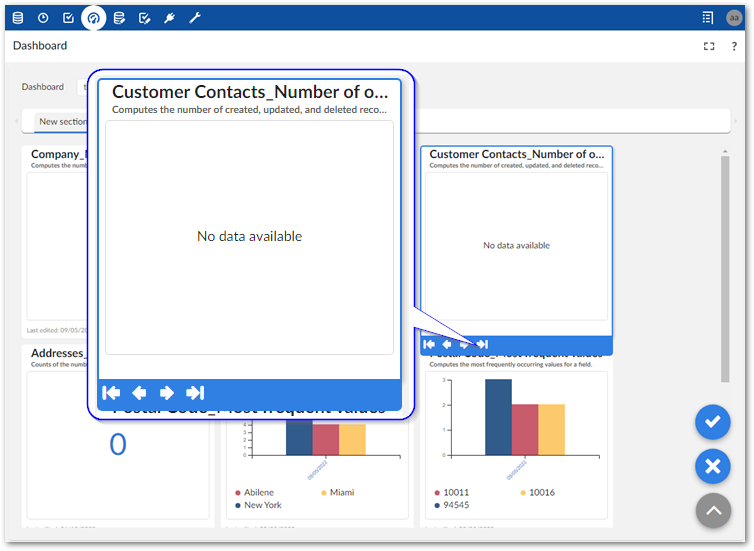
Select the tile you want to move and use the arrows that display to change the tile to the desired position.
-
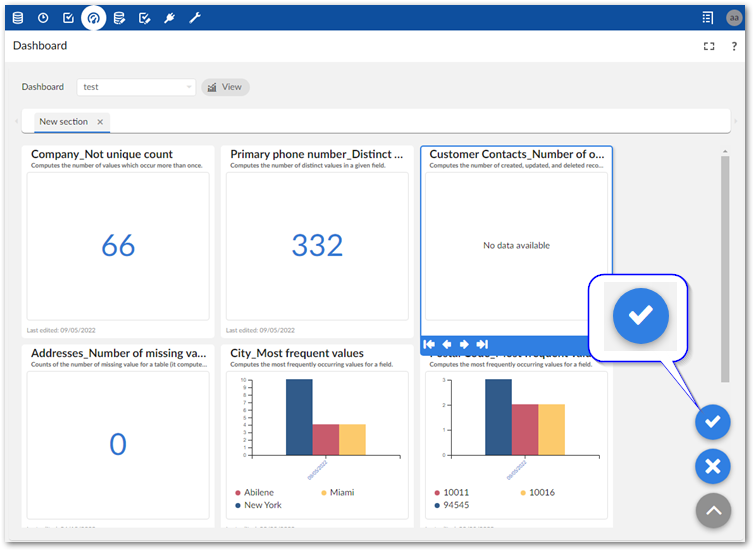
Save your changes by clicking the check button.