
Modifying merged records
Some use cases require a record's life-cycle to continue after a merge operation where it did not become the golden record. The add-on allows you to enable merged record modification for these types of cases.
To enable merged record modification:
-
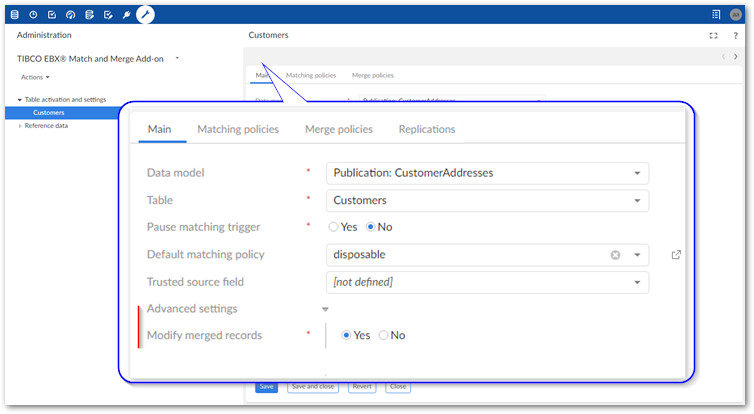
Navigate to Administration > TIBCO EBX® Match and Merge Add-on > Table activation and settings and open the configuration where you want to enable merged record modification.
-
Expand the Advanced settings group on the Main tab.
-
Set Modify merged records to Yes.The following behavior is applied when a record is in the merged state and the modified field:
-
Is not configured to use in matching operations: The add-on executes an automatic merge using the settings defined in the default matching policy's merge policy. This ensures the golden record contains the most up-to-date data.
-
Is configured to use in matching operations: The record is changed to the <unset> state and should be matched again against other records in the table.
-
-
Save before exiting.Users are now able to save changes to merged records.
Related information